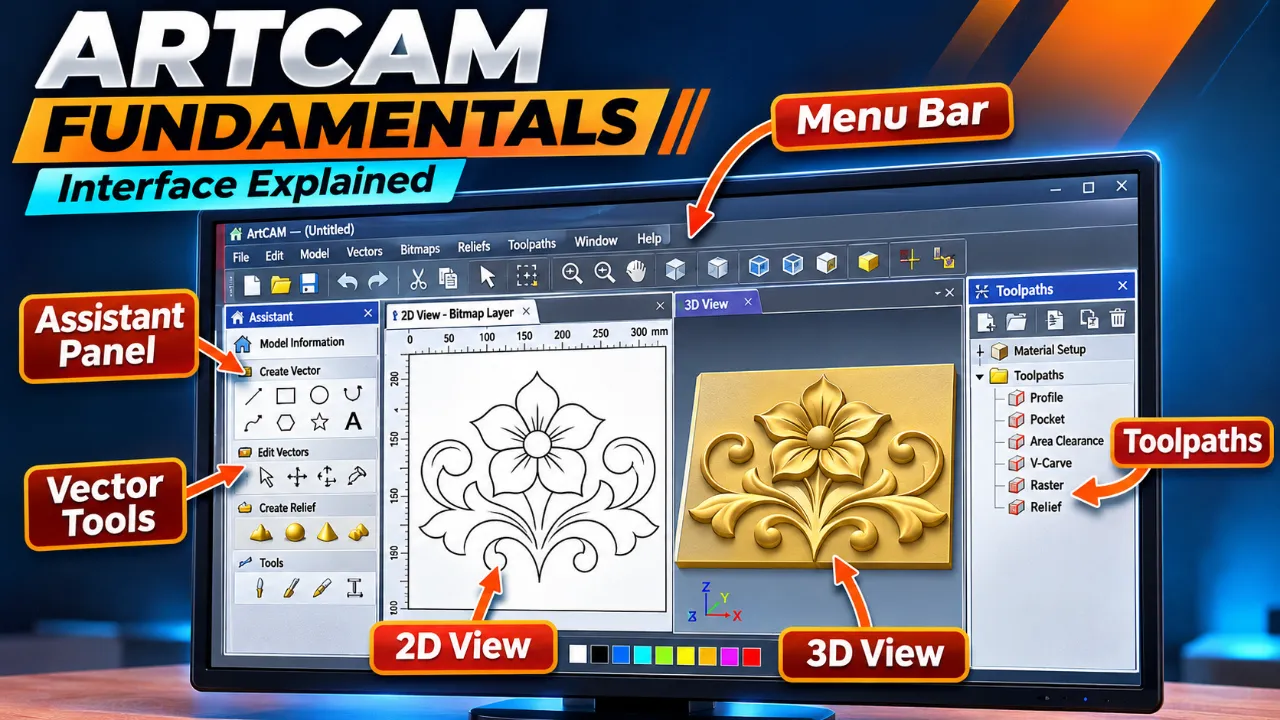
All-in-One Advanced Programming – Complete ArtCam CNC Training
One Course, Every Level of CNC Designing
Most students who join for 2D end up coming back for 2.5D, and then again for 3D. The All-in-One Advanced Programming course puts the whole journey into a single program, so you learn everything in the right order, in one batch, at a lower total price.
You start with 2D vectors and cutting, move to 2.5D V-carving and relief panels, and finish with full 3D relief modelling, image to 3D conversion and advanced toolpath programming. By the end, you can handle almost any design request that comes to a CNC router workshop.
This is our flagship course and the one most of our working professionals choose.
What Will You Learn?
1. Complete 2D Design & Programming
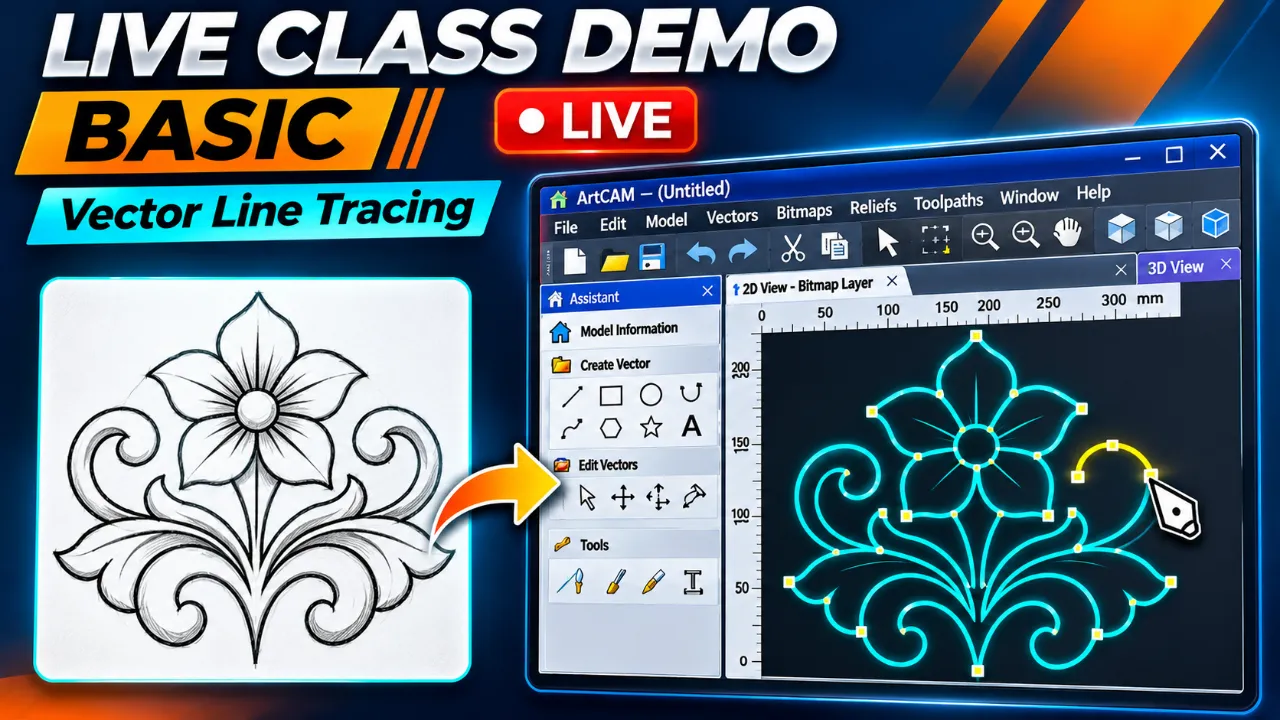
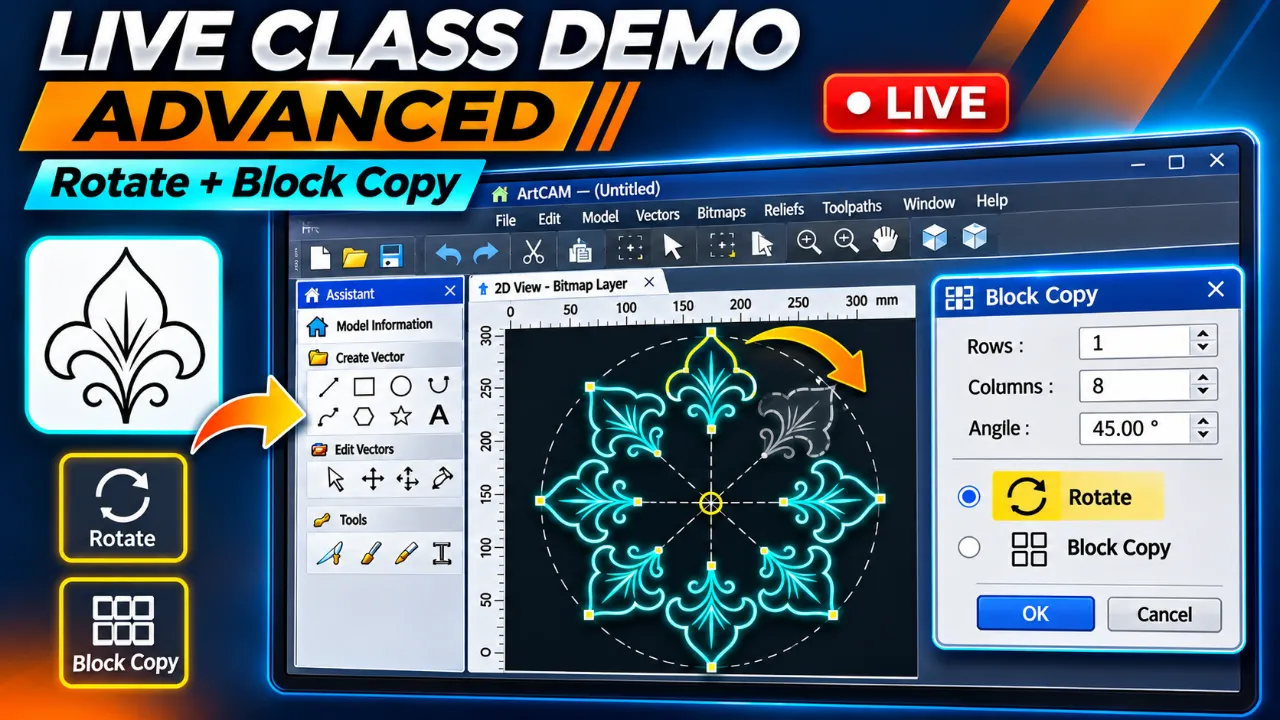
Vector drawing, image tracing, text and logo design, sign boards, and 2D profile, pocket and engraving toolpaths.
2. Complete 2.5D Design & Programming
V-carving, pocketing, raised and recessed shapes, and carved borders for panels and name plates.
3. 3D Relief Designing
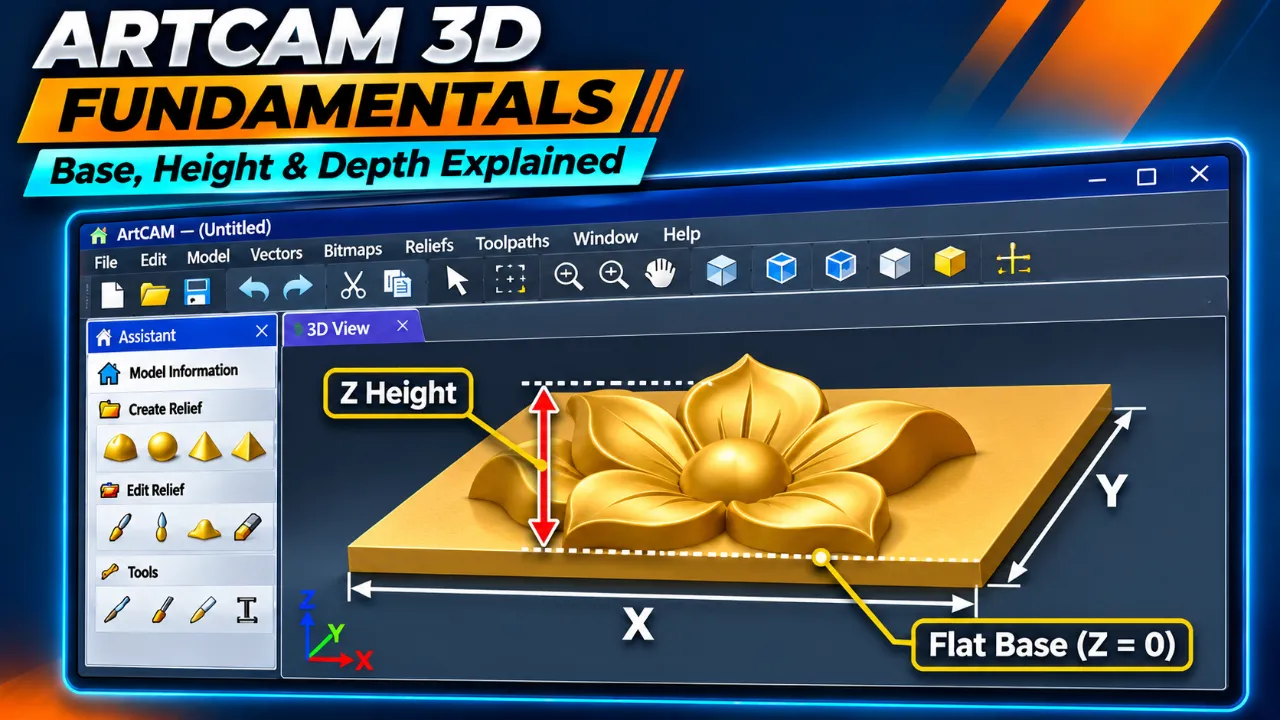
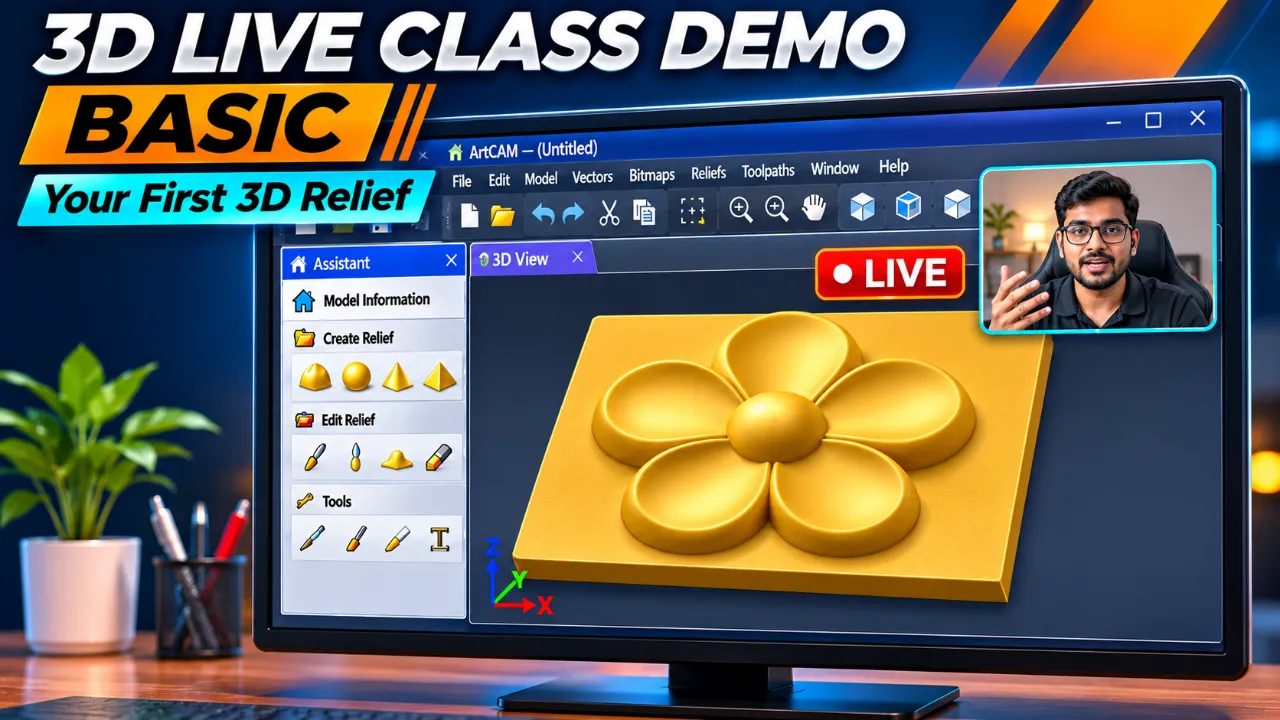
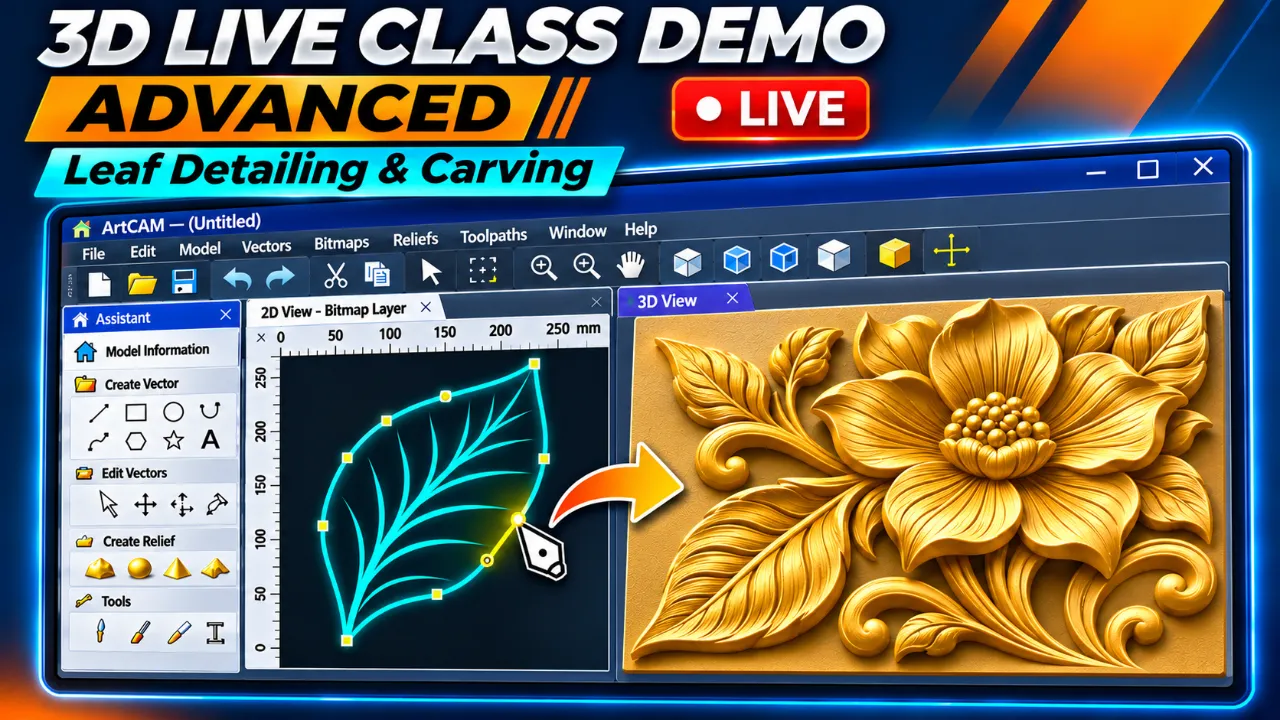
Build detailed 3D reliefs with proper depth, smooth transitions and a clean, carve-ready surface.
4. Image to 3D Relief Designing
Turn photos and artwork into 3D reliefs, and refine them so they carve well on the machine.
5. 3D Model Designing
Create, combine and edit 3D models for decorative and furniture applications.
6. Door Panel, Wall Art & Bed Designing
Work on the products customers order most: carved wooden doors, 3D wall art panels and designer bed backs.
7. Advanced Toolpath Creation
Plan 3D toolpaths, choose tools and set step-over, feed and depth for different materials.
8. Roughing & Finishing
Combine roughing and finishing strategies to cut machine time and get a smooth, detailed finish.
9. Advanced CNC Programming
Simulate, check and export production-ready files, and avoid the mistakes that waste material and tools.
Mega Bonus: AI Design Training Pack
All-in-One students get our biggest AI bonus at no extra cost. It covers AI Face Designing for portrait and face reliefs, plus AI-powered creation of wall panels, 3D wall art and 3D models. These are the designs customers pay the most for, and AI helps you make them much faster. This full pack is not sold separately and comes only with this course.
Who Should Join This Course?
- Beginners who already know they want a full career in CNC designing.
- CNC router owners who want to stop outsourcing designs completely.
- Furniture and wooden door manufacturers.
- Interior designers and decor product makers.
- Operators who want to become professional CNC designers.
- Anyone planning to offer CNC design as a freelance service.
Where Can You Use These Skills?
- Sign boards, name plates and acrylic letters
- V-carved and 3D carved wooden doors
- 3D wall art and decorative panels
- Designer bed backs and furniture carving
- Temple, murti and religious relief work
- Customized wooden artwork and gifts
- Freelance CNC design work for other workshops
Course Information
- Course Duration: 90 Days
- Training Mode: Online Live Classes
- Language: Hindi & English
- Course Level: Complete Master Program (Beginner to Advanced)
- Bonus: AI Face Designing, Wall Panels, Wall Art & 3D Models (FREE)
- Training Provider: NIDS CNC SOLUTIONS
Why Learn with NIDS CNC SOLUTIONS?
We have trained 1000+ students and bring over 10 years of practical CNC experience into the classroom. Every topic is taught through real workshop jobs, so what you learn is what you will actually use.
Classes are live, doubts are cleared on the spot, and you get lifetime trainer support after the course.
Why All-in-One Makes More Sense
Taking the 2D + 2.5D Combo and the 3D course separately costs more than this single course, and you would miss the full AI bonus pack. With All-in-One you save money, learn in one continuous flow and get the complete AI bonus pack free.
Become a Complete CNC Designer
Join the next live batch and learn every level of ArtCam designing and programming in one place.