ArtCam 2D + 2.5D Design & Programming – Combo CNC Training
Go Beyond Flat Cutting
Flat 2D cutting gets you started, but many of the jobs customers ask for have depth: carved name plates, V-carved letters, panel borders and raised designs on doors. That is 2.5D work, and it is where a CNC router starts earning more per piece.
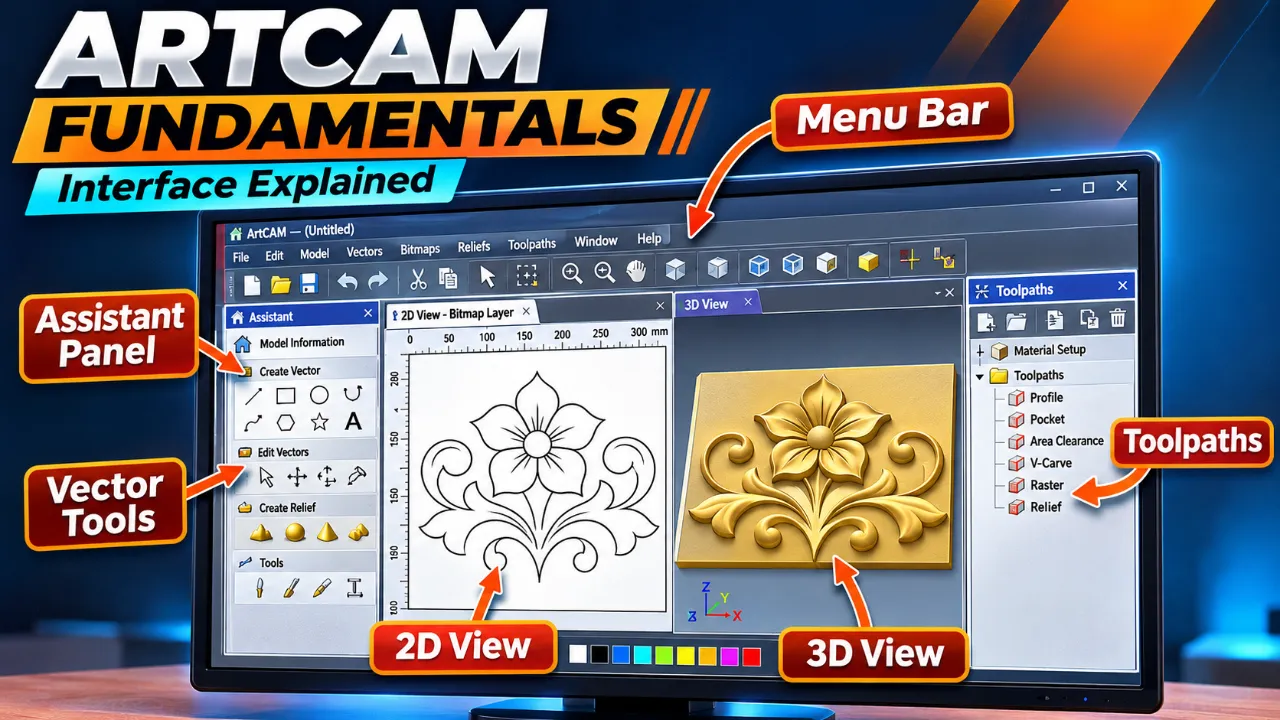
This combo course at NIDS CNC SOLUTIONS covers both stages together. You first build a solid 2D base with vectors, tracing, text and cutting toolpaths. Then you move straight into 2.5D: V-carving, pocketing, simple relief shapes and the roughing and finishing toolpaths that give a clean, professional finish.
Because both levels are taught as one flow, you do not lose time repeating basics or switching batches, and you pay much less than taking them separately.
What Will You Learn?
1. Complete 2D Designing
Draw, edit and arrange clean vectors in ArtCam, and set up layouts for sign boards, name plates and cutting jobs.
2. Vector Designing & Tracing
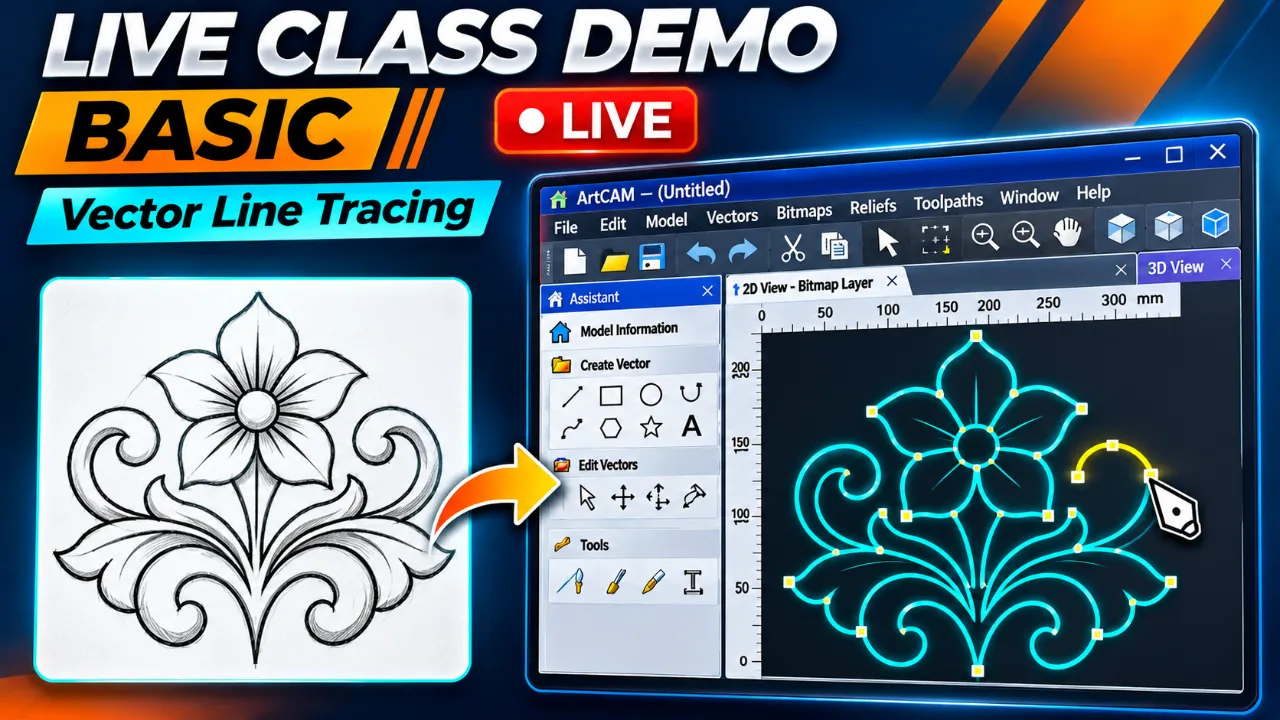
Turn photos, logos and sketches into accurate, editable vectors that are ready for the machine.
3. 2D CNC Programming
Create profile, pocket and engraving toolpaths, set tools, feeds and depths, and save files for your router.
4. 2.5D Relief Designing
Build raised and recessed shapes from vectors, and understand how depth changes the look of a design.
5. V-Carving & Pocketing
Make sharp V-carved letters and patterns, and clear pockets neatly for inlays, frames and borders.
6. Door Panel & Frame Patterns
Design carved panel borders, frames and decorative patterns used on wooden doors and furniture.
7. Advanced 2.5D Toolpath
Choose the right V-bit and ball-nose tools, control step-over and depth, and avoid common carving mistakes.
8. Roughing & Finishing
Use roughing and finishing passes together to save machine time and get a smooth final surface.
Free Bonus: AI Vector & 2D Design Training
This combo also comes with our AI design bonus at no extra cost. You will learn how AI tools turn photos, logos and sketches into clean auto-vectors, how to create new 2D design ideas with AI, and how to use them in your ArtCam workflow for faster cutting and carving jobs.
Who Should Join This Course?
This course is a good fit for:
- Beginners who want to learn more than just basic cutting.
- CNC router owners who want to take carving and V-carving orders.
- Sign board and name plate makers.
- Wooden door and furniture workshops.
- Operators who know some 2D and want to add depth work.
Where Can You Use These Skills?
- V-carved sign boards and name plates
- Carved door panels and borders
- Decorative MDF and wooden panels
- Temple and pooja room panels
- Furniture frames and mouldings
- Inlay work and engraved gifts
- Jali, grill and partition designs
Course Information
- Course Duration: 45 Days
- Training Mode: Online Live Classes
- Language: Hindi & English
- Course Level: Foundation + 2.5D Carving (Beginner to Intermediate)
- Bonus: AI Vector & 2D Design Training (FREE)
- Training Provider: NIDS CNC SOLUTIONS
Why Learn with NIDS CNC SOLUTIONS?
With 1000+ students trained and over 10 years of CNC experience, our classes are built around the jobs that actually come into a workshop. You learn the full design-to-machine workflow, not just where the buttons are.
Every class is live, so your doubts get answered in the moment, and you keep lifetime trainer support after the course ends.
Want 3D as Well?
If you also want 3D relief, image to 3D conversion and detailed carving, the All-in-One Advanced Programming course covers 2D, 2.5D and 3D together at a better total price and includes a free AI Face Designing bonus.
Add Depth to Your CNC Work
Join the next live batch and learn to design both cutting and carving jobs yourself, from the first vector to the finished panel.