ArtCam 2D Design & Programming – Beginner CNC Training
Learn to Make Your Own CNC Designs
Most CNC router owners start the same way: the machine is ready, but every new design has to be bought or ordered from someone else. That costs money on every job and slows you down when a customer is waiting.
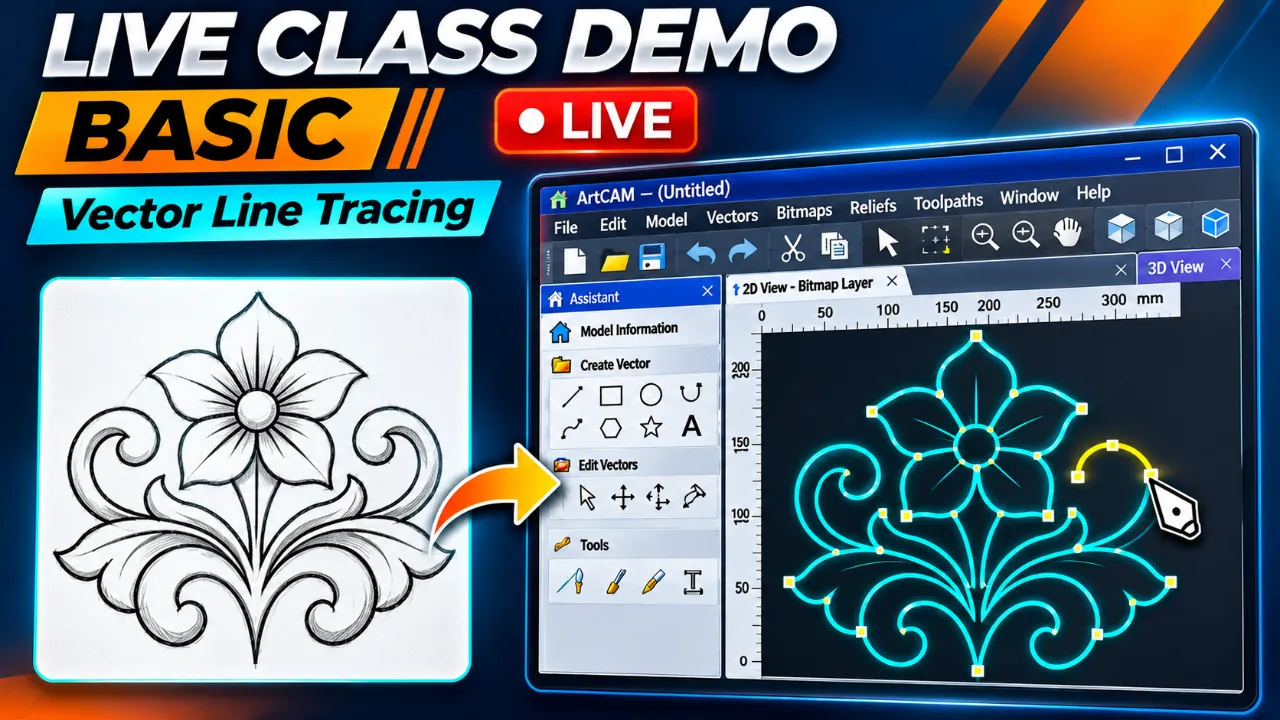
The 2D Design & Programming Course at NIDS CNC SOLUTIONS fixes that first problem. You learn how to draw clean vectors, trace a photo or logo into a cut-ready file, set up text and name plates, and then turn that design into a toolpath your machine can run.
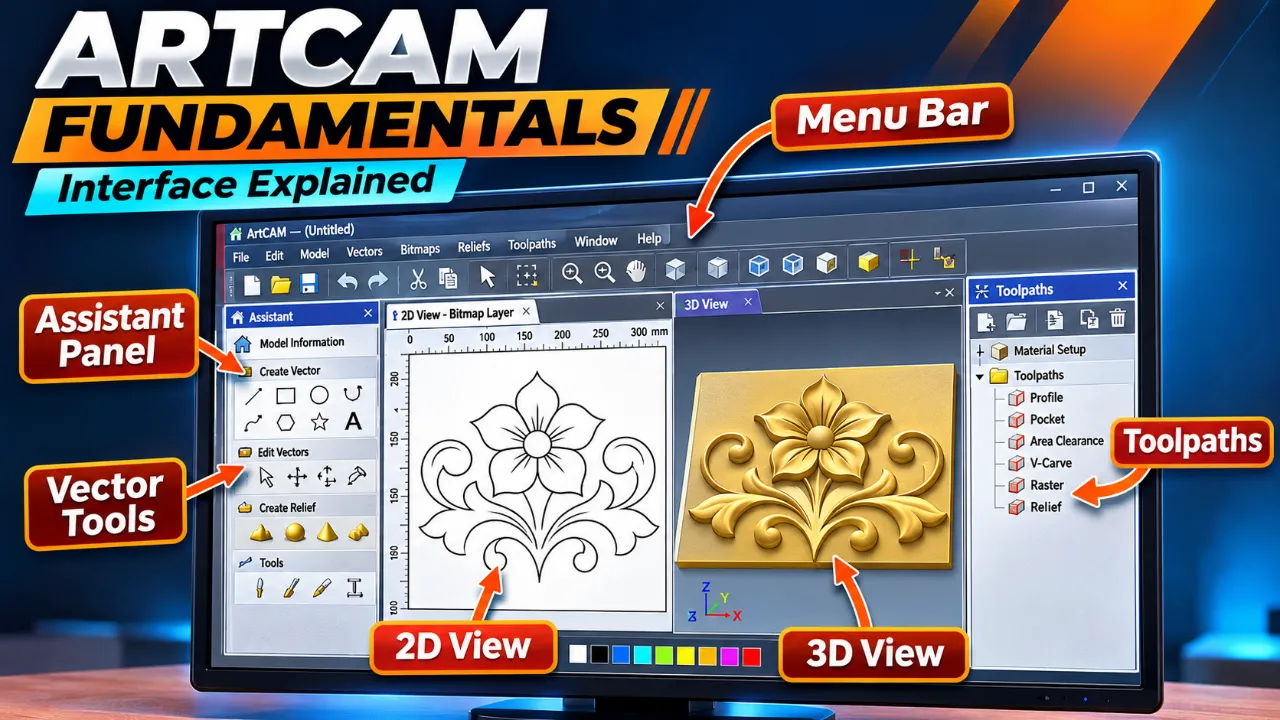
No design background is needed. We start from the ArtCam screen itself and build up step by step, so by the end you can take a simple customer request and handle it yourself from drawing to cutting.
What Will You Learn?
1. Vector Designing
Understand lines, arcs, nodes and closed shapes, and learn how to draw neat vectors that cut cleanly on the machine.
2. Vector Tracing
Convert a photo, logo or hand sketch into an editable vector, and clean up the result so it is ready for production.
3. 2D Drawing & Editing
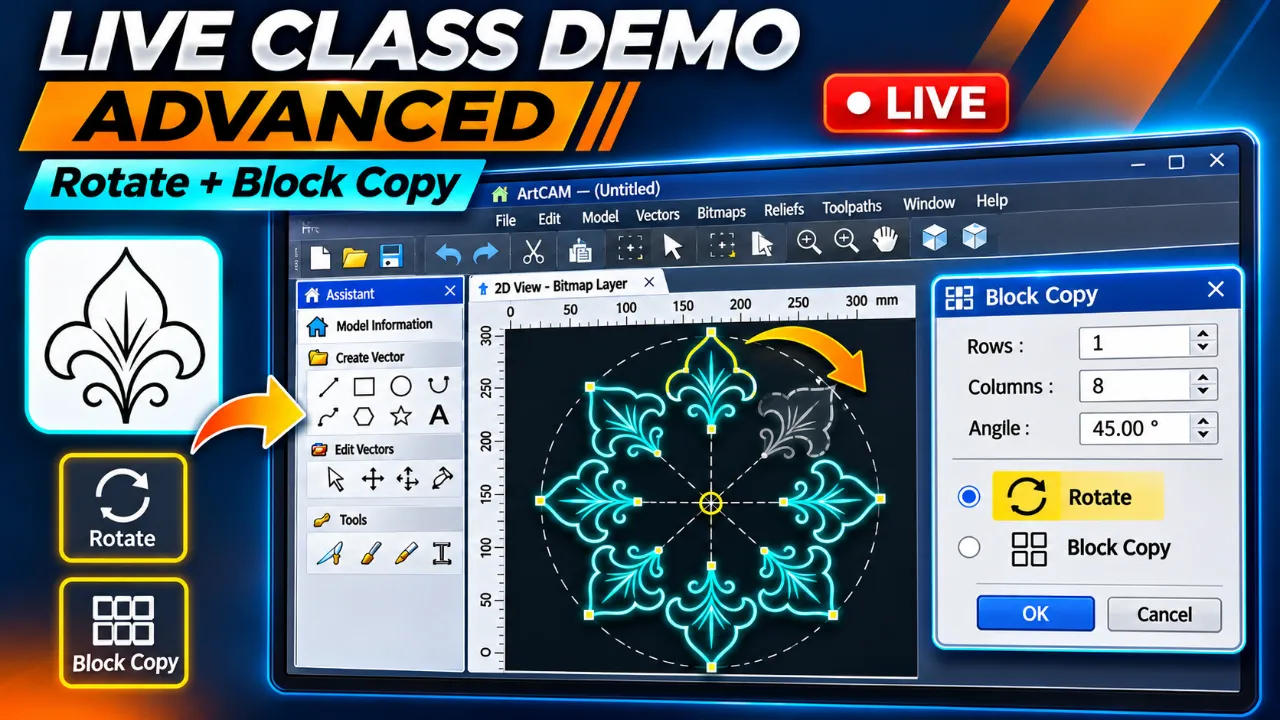
Use offset, trim, join, mirror, array and other editing tools to build accurate layouts quickly.
4. Text & Logo Designing
Work with fonts, text on curves and logo layouts for name plates, shop boards and branding jobs.
5. Sign Board & Name Plate Layouts
Plan real jobs such as acrylic letters, MDF sign boards and house name plates with correct sizing and spacing.
6. 2D Toolpath Creation
Create profile, pocket and engraving toolpaths, choose the right tool and set feed, speed and depth.
7. Profile Cutting & Engraving
Learn inside and outside cutting, tabs, ramping and engraving settings so parts come out clean and stay in place.
8. CNC 2D Programming
Simulate your toolpaths, save the right post-processor file and get it ready to run on your CNC router.
Free Bonus: AI Vector & 2D Design Training
Every student of this course also gets our AI design bonus at no extra cost. You will see how AI tools turn a photo, logo or sketch into clean auto-vectors, how to create fresh 2D design ideas with AI, and how to fit these tools into your daily ArtCam workflow so jobs get done faster.
Who Should Join This Course?
This course is a good fit for:
- Complete beginners who want to start in CNC designing.
- CNC router owners who are tired of paying for every design.
- Machine operators who want to move into designing.
- Sign board, acrylic and laser/router job shops.
- Furniture and interior workers who want to make their own cutting files.
- Students looking for a practical, job-ready skill.
Where Can You Use These Skills?
- Sign boards and shop name boards
- House name plates and door numbers
- Acrylic and MDF letter cutting
- Jali, grill and partition patterns
- Logo engraving and branding items
- Gift items, trophies and nameplates
- Furniture part cutting
- Stencils and templates
These are everyday orders in most CNC workshops, and once you can design them yourself, you keep the full margin on each job.
Course Information
- Course Duration: 30 Days
- Training Mode: Online Live Classes
- Language: Hindi & English
- Course Level: Foundation (Beginner)
- Bonus: AI Vector & 2D Design Training (FREE)
- Training Provider: NIDS CNC SOLUTIONS
Why Learn with NIDS CNC SOLUTIONS?
We have trained 1000+ students and bring over 10 years of hands-on CNC experience into every class. The training is built around real workshop jobs, not just software menus.
Classes are live, so you can ask questions and get your doubts cleared on the spot. After the course, our trainer support stays with you for life.
What Comes After 2D?
2D is the base for everything else. Once you are comfortable here, you can move to 2.5D V-carving and relief work, and then to full 3D designing. If you already know you want the complete path, the All-in-One Advanced Programming course covers 2D, 2.5D and 3D together at a lower total price, with a free AI Face Designing bonus.
Start Designing for Your Own Machine
Join the next live batch, learn the basics properly, and start making your own CNC designs instead of waiting on someone else.